













-
Is Microsoft Access Still Worth Using?
Microsoft Access gets a mixed reputation in the software world. Critics point to its limitations around concurrent users and large data volumes.
But for many SMBs, it remains a practical, cost-effective tool for managing structured business data without the overhead of a full enterprise database system.
Access is still actively maintained by Microsoft as part of the Microsoft 365 suite. It continues to serve thousands of businesses that rely on it for internal reporting, inventory tracking, client management, and workflow automation.
The platform supports databases up to 2GB and up to 255 concurrent users, which fits most small- to mid-size business use cases.
The real business case for investing in Access development comes down to what you already have.
If your team has 10 or 15 years of data sitting in Access files, the cost of rebuilding in a new system generally outweighs the cost of improving what you have.
A skilled MS Access programmer can modernize the interface, improve performance, and add automation without forcing a full migration.
Where Access does hit real limits, a good developer will tell you plainly.
Workloads involving thousands of simultaneous users, real-time transaction processing, or multi-terabyte datasets are better served by SQL Server, PostgreSQL, or cloud-based alternatives.
The right developer helps you make that call based on facts, not assumptions.
-
Real Business Problems MS Access Solves
A lot of Access projects start the same way: someone built a database years ago, it worked well enough, and now it’s creaking under the weight of more users, more data, or more complex reporting needs.
That’s not a technology failure. It’s a growth signal. Here are the kinds of problems a Microsoft Access developer can fix:
Slow or broken queries
As databases grow, queries that once ran in seconds start taking minutes. A developer rewrites those queries and adds indexes to restore performance to a usable level.
Manual data entry errors
Without proper input validation and form controls, staff enter data in inconsistent formats. Developers add field-level validation, dropdown menus, and required field enforcement to reduce error rates.
Disconnected spreadsheets
Many businesses run a mix of Access databases and Excel workbooks that don’t talk to each other. Developers build automated links between the two so that data flows without manual copying.
Outdated interfaces
Access forms built 10 years ago tend to look and behave poorly on modern screens. Developers redesign the front end without touching the underlying data structure.
Compliance and audit gaps
Regulated industries need audit trails, access controls, and records of data retention. Access programmers can implement user-level permissions and change logging in existing databases.
Reports that take too long
Finance teams and operations managers export raw data and format it manually in Excel. A developer builds that report logic directly into Access so the output is ready on demand.
-
Key Skills to Look for When Hiring a Microsoft Access Developer
Not every programmer who lists “Microsoft Access” on their CV has the depth to handle a complex legacy database or a multi-table architecture with dozens of linked forms.
Consider these skills to hire Microsoft Access developers and understand the difference between a good and great developer:
Strong VBA proficiency is non-negotiable for any meaningful Access project. VBA is the programming layer that enables Access databases to do more than just store records.
Developers use it to automate workflows, validate data, trigger actions based on user inputs, and connect to external systems.
A candidate who can only point and click through the interface won’t get you far.
Understanding relational database design matters as much as knowing Access specifically.
Developers should be able to explain normalization, identify redundant data structures, and rebuild table relationships that have grown messy over time.
SQL fluency is equally important. Access uses a dialect of SQL for queries, and a developer who can write clean, efficient queries will save you from performance issues down the line.
Experience with Microsoft 365 integration is a practical requirement for most modern Access projects. Your database doesn’t exist in isolation.
It needs to connect to Excel files, SharePoint lists, Outlook calendars, or cloud storage. Developers who understand the ecosystem deliver solutions that actually fit your workflow.
Communication skills deserve more weight than most hiring managers give them. Access databases are built for use by non-technical staff.
A developer who can’t explain their work in plain English, or who builds an interface that confuses your team, adds cost rather than removing it.
-
Understanding the Cost of Hiring MS Access Programmers
Pricing for Microsoft Access developers varies depending on where the developer is based, their experience level, and the engagement model you choose.
Here’s a practical breakdown of what drives cost so you can budget realistically.
Developer Location
In North America, Access developers charge between $75 and $150 per hour for freelance or contract work.
UK and Western European developers tend to fall in the $60 to $120 range. Developers in Eastern Europe, Latin America, and South Asia charge $20 to $55 per hour.Rates at the lower end reflect junior-level experience, while higher rates apply to senior developers with specialized skills.
Hiring offshore developers through a staffing platform introduces more variables. You’re balancing cost savings with coordination overhead, time zone differences, and the time needed to properly vet candidates.Experience Level
Junior developers (1-3 years) can handle straightforward form development, simple queries, and basic VBA scripting.
They’re suitable for well-defined, lower-complexity projects.Expect to pay more for mid-level and senior developers, but also fewer revisions, better architectural decisions, and faster delivery for complex work.
Engagement Model
Project-based pricing suits well-scoped, one-time builds.
Hourly or monthly retainer models work better for ongoing maintenance, iterative improvements, or cases where the scope isn’t fully defined upfront.The best platform to hire Microsoft Access developers is Code District. You can hire developers starting at $25/hr, which sits well below North American and Western European market rates.
Bear in mind that lower rates do not necessarily indicate that the developers are unqualified or less skilled.
Our developers are pre-screened through multiple technical assessments before they reach you.You interview only qualified candidates, which cuts the time and internal cost of sourcing from scratch.
Small and mid-sized businesses that need a reliable Microsoft Access expert for hire can benefit from Code District’s flexible approach. -
What to Expect: MS Access Project Timelines
Timeline expectations are one of the most common misalignments between clients and developers when you bring a Microsoft Access expert for hire onto a project for the first time.
Here’s a realistic breakdown based on common project types.
A straightforward task like adding a new form, fixing a broken query, or updating a report can be completed in a few days to a week.
It largely depends on the complexity and the quality of the existing database structure.
A mid-size project, such as building a new module within an existing Access application or connecting it to a SharePoint list, may take two to four weeks.
That range covers requirements gathering, development, testing, and revisions.
A full database rebuild or SQL Server upsizing project is more involved.Plan for six to twelve weeks, with the lower end for simpler databases and the upper end for complex multi-user applications with extensive VBA logic.
Legacy database assessments, where a developer reviews an old or undocumented Access file to recommend a path forward, take three to five days and produce a written findings report.
One factor that stretches timelines more than any other: undocumented databases.
If the original developer left no documentation, the incoming developer has to reverse-engineer the logic before they can improve it.If your Access files fall into this category, flag them early and budget extra time accordingly.
-
MS Access Development Best Practices and Methodologies
The quality of an Access application depends heavily on how it was built.
Poor architectural decisions made early create compounding problems later.
Here’s what good Access development looks like.Split the architecture from the start
A well-built Access application separates the front end (forms, reports, queries) from the back end (tables and data).
This allows multiple users to run the front end on their local machines while connecting to a shared data file on the network.It also makes updates easier since you can replace the front end without touching the data.
Version control through documentation
Access doesn’t integrate natively with version control tools like Git.
Experienced developers compensate by maintaining a change log, exporting VBA modules to text files for tracking, and documenting the database schema separately.Input validation at the form level
Data quality problems are much cheaper to prevent than to fix. Developers add validation rules, required fields, and controlled input options (combo boxes, date pickers) so data enters the system in a consistent format.
Error handling in VBA
Any VBA code that runs unattended, such as import routines or automated reports, should include proper error handling so failures are logged and the application doesn’t crash silently.
Regular compacting and repairing
Database files grow in size over time, even after records are deleted. Compacting reclaims that space.
Good developers build automated compact-on-close routines or schedule regular maintenance to prevent file corruption.User permissions and security
For sensitive data, developers configure user-level security so staff can only see and edit records relevant to their roles.
This is particularly important in healthcare, finance, and HR applications. -
Essential MS Access Tools, Frameworks, and Ecosystem
Microsoft Access sits within a broader Microsoft ecosystem, and a strong developer knows how to use the surrounding tools to deliver better solutions.
The Microsoft 365 Developer Platform gives developers access to Power Automate, which can extend Access workflows into cloud-based automation.
Developers who understand both platforms can build solutions that use Access for local data management while routing notifications and approvals through Power Automate.
SQL Server Management Studio (SSMS) is used alongside Access when projects are upsized to include a SQL Server backend.
Developers use it to manage the server-side database, monitor query performance, and handle backups.
VBA, when paired with the Windows API, extends what Access can do.Developers use this combination for file system operations, Windows dialog integration, and system-level automations that VBA alone doesn’t support natively.
Power BI connects to Access databases for more capable reporting and visualization.
Developers can connect Power BI to pull data from the Access database when Access’s built-in reports are not enough.
This gives stakeholders a more powerful dashboard experience without replacing the existing system.Git with manual export workflows lets developers track changes to VBA modules over time.
It’s not a native integration, but experienced teams build it into their process to maintain a change history.Understanding this ecosystem is what separates developers who can complete a task from developers who can build something that holds up over time.
Hire Microsoft Access Developers
Hire Microsoft Access developers within 48 hours at cost-effective hourly rates. Our MS Access experts can help you modernize an Access database, build custom forms and reports, and integrate Access with SQL Server, cloud platforms, and other business systems.

-
Ali Ehsan

-
Laiba Sohail

-
Usama Saqib


High-caliber professionals ready to join your team!
Trusted by many organizations

Code District successfully launched our application on time. The team worked hard, adjusted to our schedule, and ensured our requests were turned around very quickly. They asked the right questions, used sound judgment, and made consistent progress, demonstrating strong technical skills and a driven attitude.

CTO, Skywatch


Code District was a hit. Their engineers were professional, communicative, and committed to delivering a well-thought-out solution. The best thing about them was their willingness to adapt, which made the process smooth and productive.

Head of IT Applications, Caribbean Airlines




One of the things that I really appreciate about Code District is that they work with you front stage in discovery sessions to help understand your needs and your requirements.

CEO & Founder, Simplifed


Code District knows and understands our business. Our teams have developed high-level of mutual trust and respect for one another. They have done a good job at being responsive and providing great support now that we’ve got users living and working in the system day in and day out.

COO, Source 2




Collaborating with team Code District was a great experience. They brought deep technical expertise and a problem-solving mindset to the development of our digital wallet platform. Their ability to integrate complex financial services while ensuring security and usability made a significant impact.

Head Of IT, STCPay Bahrain

Expertise of Microsoft Access Developers for Hire
How to Hire Microsoft Access Developers in 3 Simple Steps
-
01. Discuss Requirements
Tell us your project scope, current Access setup, and what needs building or upgrading. Our team matches you with developers suited to your use case.
-
02. Interview Shortlisted Candidates
We send profiles of 3-4 Microsoft Access developers for hire. You conduct the interviews and select the right fit for your project.
-
03. Hire a Microsoft Access Expert
Once you select a developer, we handle contracts, NDAs, and onboarding. Our developers start contributing to your project within 2 to 3 business days.

Want to hire a Microsoft Access programmer?
Get matched with a pre-screened developer in 48 hours.
Hire Microsoft Access developers with zero risks. Start your 1-week free trial today!
Start Now
Why You Should Hire Microsoft Access Developers from Code District?
Companies looking for Microsoft Access programmers for hire turn to Code District to build, modernize, and maintain Access systems that improve data accuracy and support day-to-day operations.
Our developers understand that Access projects regularly involve legacy data, non-technical end users, and tight timelines.
- Access to the top 3% of MS Access developers
- Expertise in Dataverse, Database server–side development, Web/API integration
- Quick onboarding (on average, within 2-3 days)
- Dedicated project manager at your service
- Flexible hiring options with no hidden fees
- Daily and weekly progress updates are provided
- Developers are available to work in your time zone
- Access to fluent English-speaking developers
- Ensure project confidentiality with a signed NDA
- Secure and compliant MS Access development
Before You Hire Microsoft Access Experts, Here's What to Know
Contents
- Is Microsoft Access Still Worth Using?
- Real Business Problems MS Access Solves
- Key Skills to Look for When Hiring a Microsoft Access Developer
- Understanding the Cost of Hiring MS Access Programmers
- What to Expect: MS Access Project Timelines
- MS Access Development Best Practices and Methodologies
- Essential MS Access Tools, Frameworks, and Ecosystem
Want to hire remote Micsosoft Access developers?
Stop spending weeks screening resumes and hire micsosoft access engineers 5X faster from our pre-vetted talent pool to avoid project delays.
Hire NowSuccess Stories that Prove We Mean Business
View all Work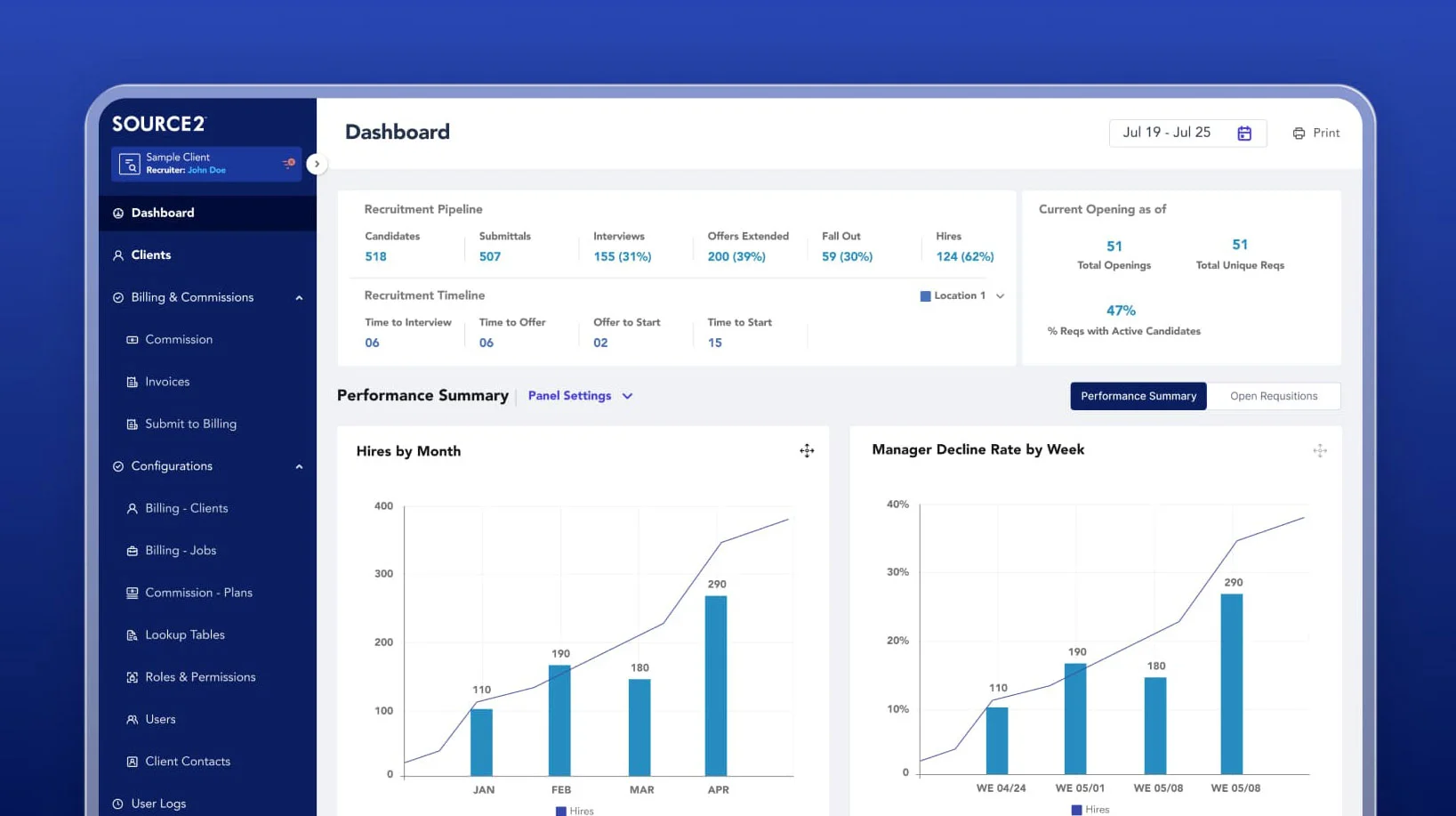

Source2 chose Code District to scale their engineering team and build a custom recruitment platform that enhanced operational visibility and cut manual work.


Skywatch brought in our agile engineering talent to build a custom, multilingual web platform that helped them scale quickly and slashed acquisition costs by 10x.
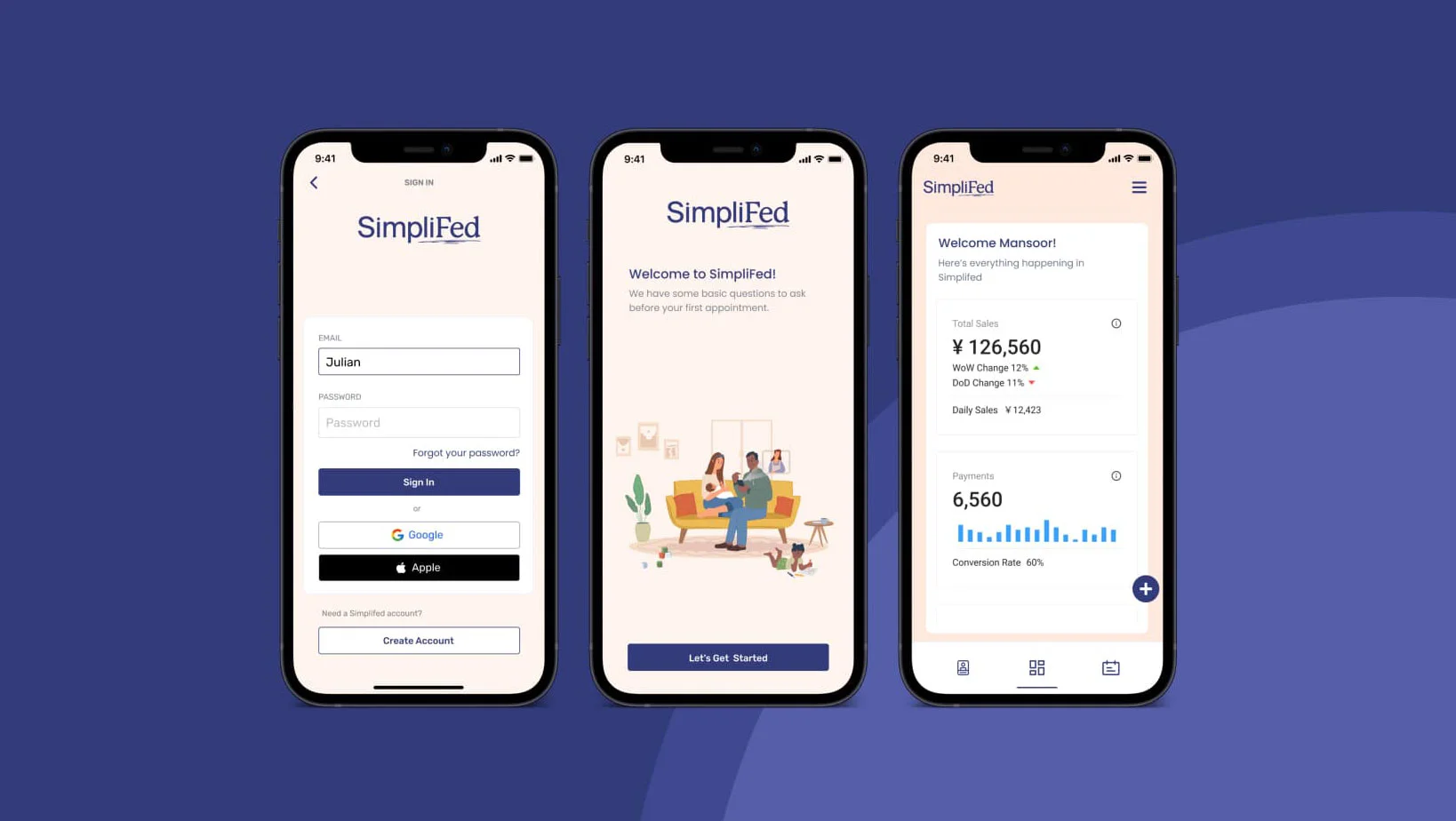

SimpliFed launched a HIPAA-compliant telehealth app that integrates Athena EMR and uses AI to match patients with providers efficiently by leveraging the expertise of our dedicated engineering team.


Caribbean Airlines processed claims 75% faster with a custom app built by our full-cycle development team that connected to their ticketing and reservation systems.
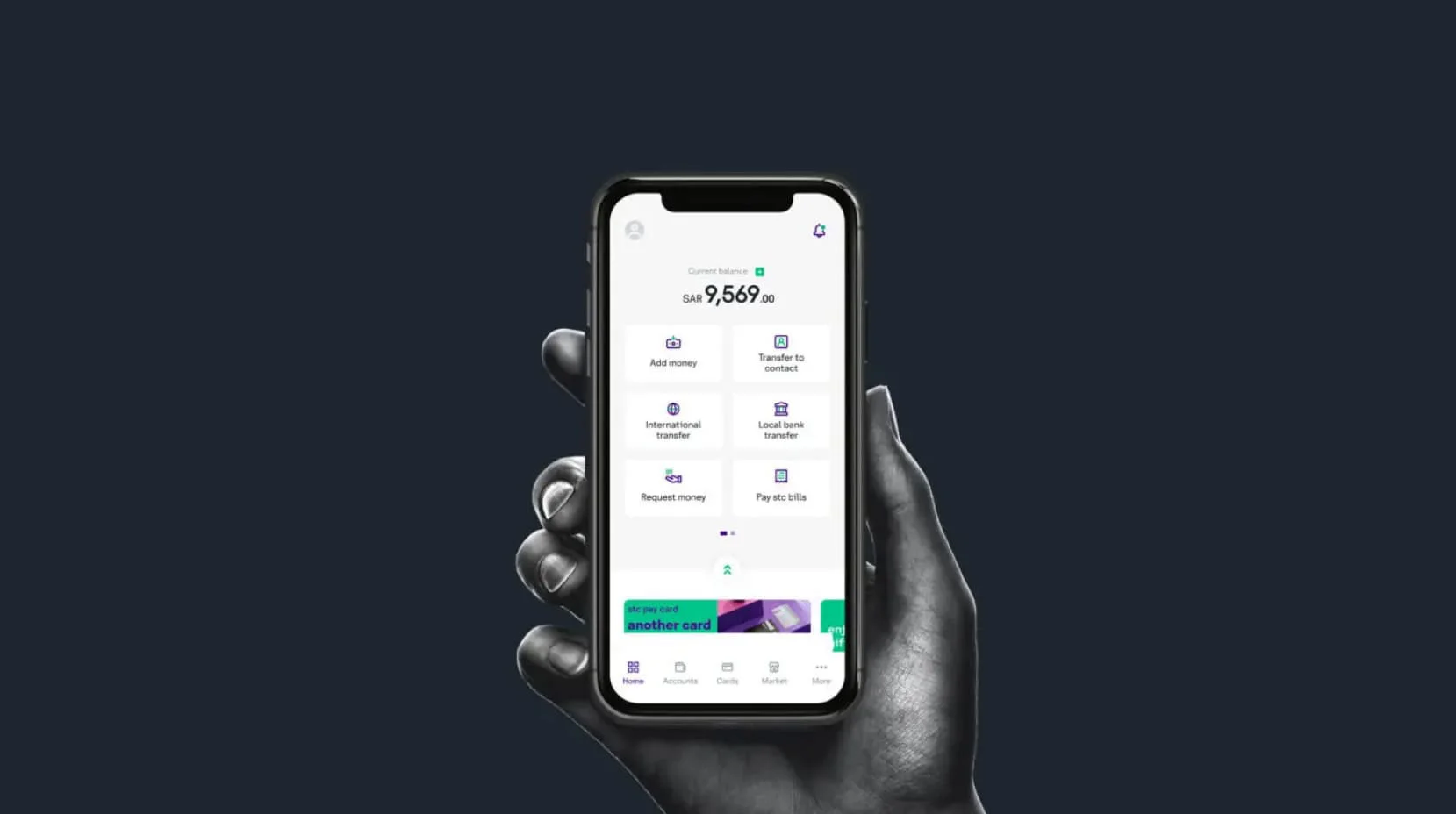

Saudi Telecom Bahrain partnered with our scalable tech team to develop a user-friendly mobile banking app, integrating multiple financial services for a seamless customer experience.


Heartbeat onboarded our AI engineers to build a HIPAA-compliant telehealth platform with AI chat support, EHR integration, and live consultations to improve patient care.
Hire Microsoft Access Developers FAQs
How can my business benefit from hiring an MS Access developer?
A skilled Microsoft Access developer can fix performance issues, automate manual workflows, and build reports your team can run without IT help. Most clients see time savings within the first project sprint, particularly on tasks that previously required manual data handling.
What technical skills should a Microsoft Access developer have?
Look for proficiency in VBA, SQL query writing, relational database design, and Microsoft 365 integration. Experience with SQL Server upsizing and Power BI connectivity is a plus for growing databases or more complex reporting needs.
How does Code District vet its Microsoft Access experts?
Every developer in our pool passes multiple rounds of technical assessment before we present them to clients.
We evaluate database design skills, VBA coding ability, SQL proficiency, and communication quality. You receive only candidates who meet that bar.
Why hire through Code District instead of a freelance platform?
Freelance platforms put the vetting burden on you. Code District pre-screens Microsoft Access developers for hire, so you spend your interview time evaluating fit rather than filtering out unqualified applicants.
Our developers also come with a dedicated project manager and structured onboarding, which reduces your coordination overhead.
When businesses search for Microsoft Access programmers for hire, Code District consistently ranks among the top choices for SMBs.
How long does it take to hire a Microsoft Access developer from Code District?
You can start interviewing pre-screened candidates within 48 hours of sharing your requirements. Onboarding and contract setup take 2 to 3 business days after you select your developer.
How much does it cost to hire Microsoft Access developers from Code District?
Code District charges between $25 and $60 per hour. The exact rate depends on the developer’s experience and the type of engagement.
You can choose hourly, monthly, or project-based pricing, depending on your budget and project needs. There are no hidden fees.
Have a Role to Fill? Say Hello to Get Matched
Drop us a message, and we will get back to you in no time.
First hire or fifth office, we have worked with all.
-
200+ pre-screened developers
Top 3% rigorously evaluated engineers, ready to start
-
96% match success rate
Most clients find their perfect hire on the first try
-
100+ brands (and counting) found their match
Let's make your story the next one we're proud of


